Installing VEX STEPmaker on Windows
Before installing VEX STEPmaker, you need to download and install FreeCAD 1.0.0.
Download and install FreeCAD 0.21.2

Download and install FreeCAD 1.0.0 .
Ensure that the FreeCAD folder is located under C:\Program Files\FreeCAD 0.21.
Download the Installer

Go to VEX STEPmaker Download
Install VEX STEPmaker

Select the VEX STEPmaker Installer icon to begin installation.
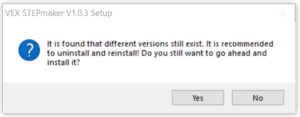
If there is a previous version of VEX STEPmaker on the computer, the installer will first uninstall the old version of VEX STEPmaker. Select OK.
Note: You might have to grant permission for the app to make changes to your computer.
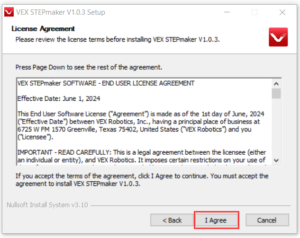
The License Agreement will appear. After you have finished reading, select I Agree.
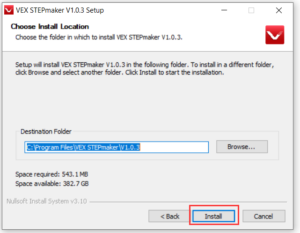
You can choose the installation path, or keep the default path and click Next.
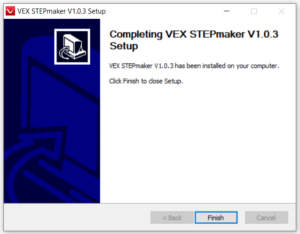
Wait for the installation to complete, then select Finish.

Launch VEX STEPmaker using the desktop shortcut.
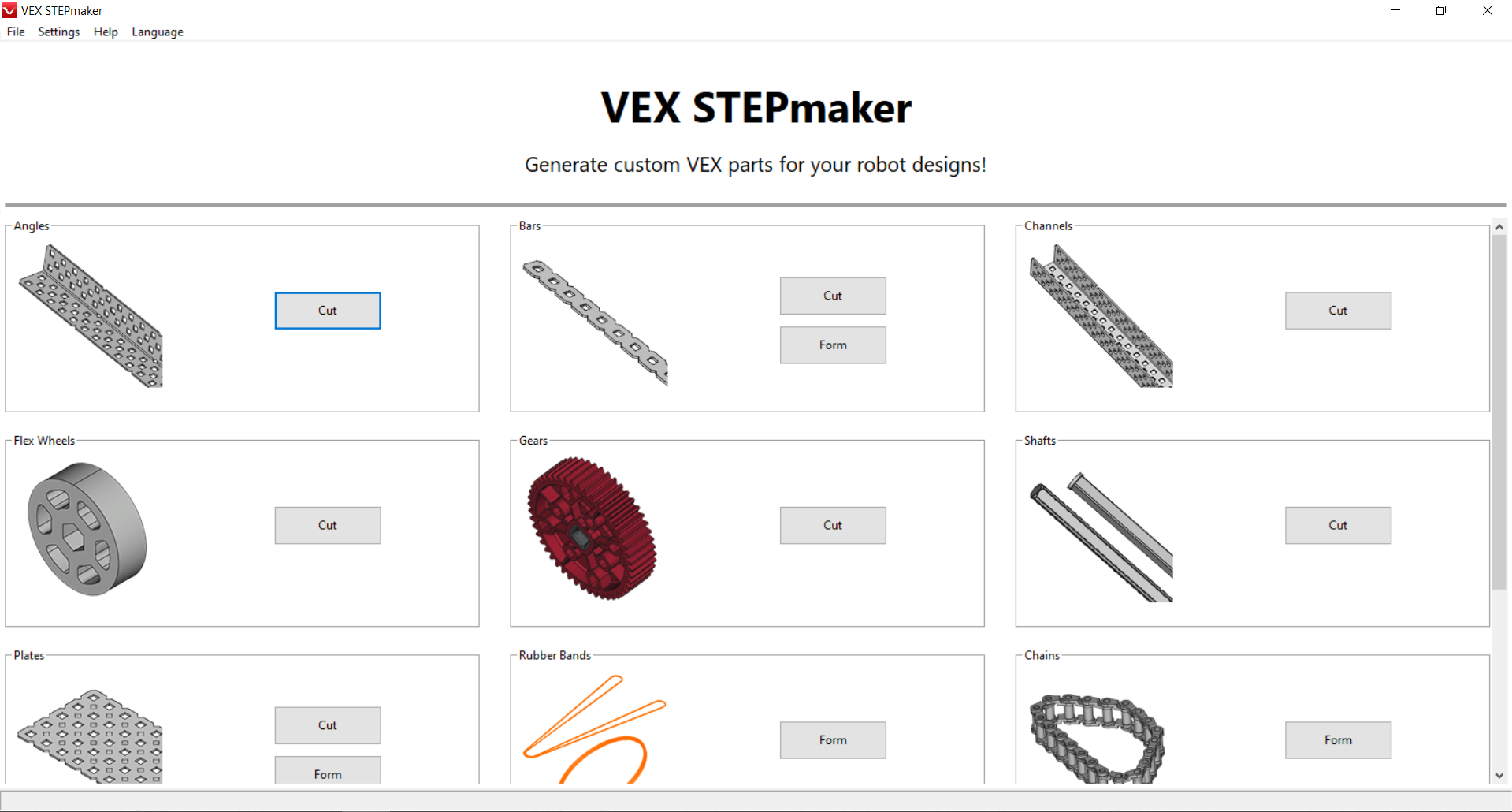
Begin working in VEX STEPmaker.